
Embedresponsively.com offers a simple copy/paste solution for responsive containers.
- See a video you want to share
- Copy the address bar
- Visit their site embedresponsively.com
- Paste the address
- Copy the code their site presents to you
Here’s a screen capture of their website. Check under the graphic below if you wish to see what code they’re pumping out.
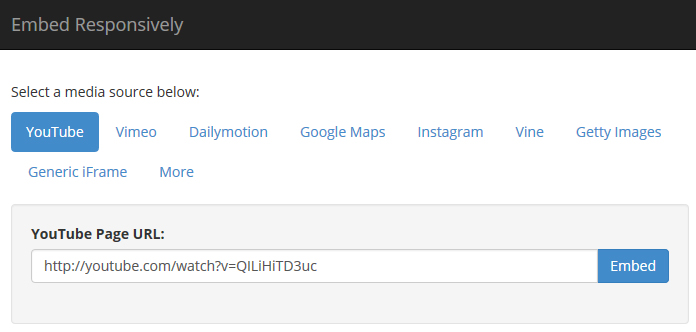
The code that Embed Responsively creates:
<style>
.embed-container {
  position: relative;
  padding-bottom: 56.25%;
  height: 0;
  overflow: hidden;
  max-width: 100%;
  height: auto;
}
.embed-container iframe, .embed-container object, .embed-container embed {
  position: absolute;
  top: 0;
  left: 0;
  width: 100%; height: 100%;
}
</style>

<div class='embed-container'>
  <iframe src='http://www.youtube.com/embed/OQSNhk5ICTI' frameborder='0' allowfullscreen></iframe>
</div>
0 Comments